Your API or voucher
Subtitle translator
Translate with DeepSeek, OpenAI, Gemini or Google Translate. Local AI and compatible custom APIs are supported too.
- Custom rules and target language
- Custom filenames and partial downloads
Translate SRT, ASS and VTT, edit with local video, and change character names. Manual editing is free; use your own API or a voucher for AI.
No registration. Local video stays on your device.
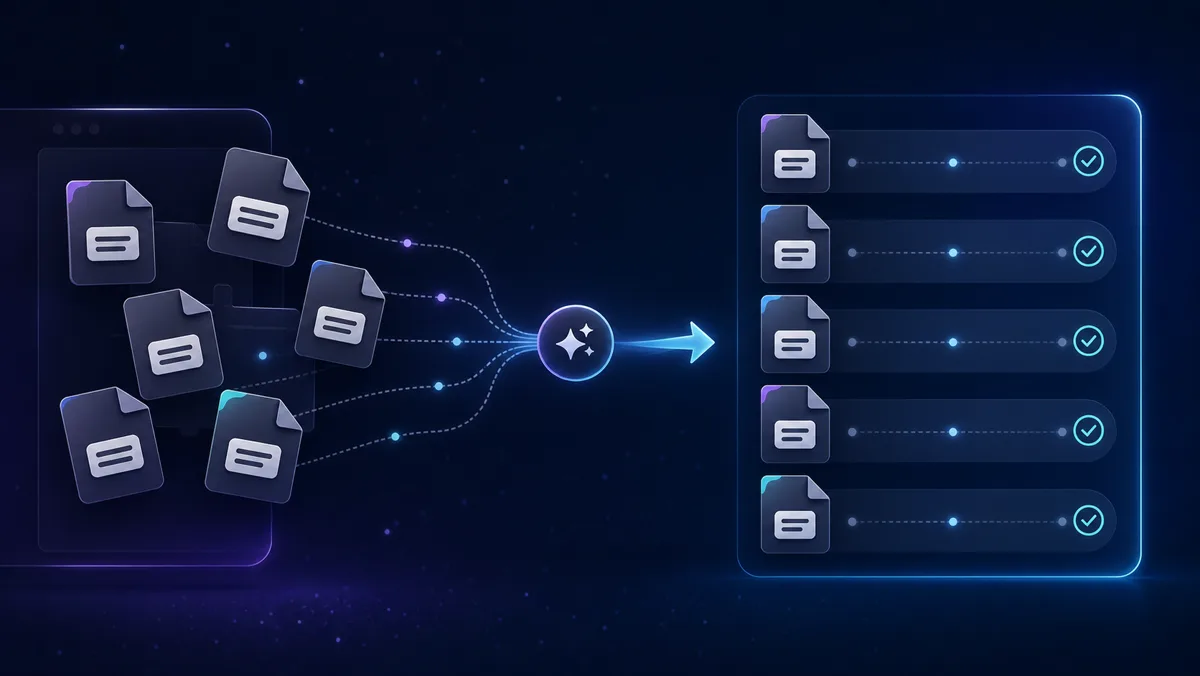
Work with an existing subtitle file. Translate dialogue, fine-tune its timing or replace character names.
Translate with DeepSeek, OpenAI, Gemini or Google Translate. Local AI and compatible custom APIs are supported too.
Upload subtitles in the translator, then open the editor. Edit before translation, after it, or both, with an optional local video.
Find character names with classic analysis or AI, enter replacements and review the result before downloading.
Follow the steps for your task. Manual editing is free; translation and AI name analysis use your own API, local AI or a voucher.
Upload an SRT, ASS or VTT file and choose the source and target languages.
Choose provider and model: your API key, local/custom AI or a voucher. Set translation rules and the output filename.
Choose whether to edit before or after translation. With a voucher, review the estimated cost, then start. Stop finishes the current block before stopping.
Review the result and download with the target language code. If interrupted, keep the partial file and continue the remaining blocks.
Upload subtitles in the translator, choose the editing stage and open the free editor. No voucher is required.
Optionally open a local video. Click a cue to seek to it; use playback speed, looping and audio waveforms to check the dialogue.
Edit text, drag cue edges or move cues on the timeline. Split, merge, rebalance lines and check reading speed. Undo changes whenever needed.
Use the edited subtitles in translation or download them. Export a project to continue later; restoring it requires selecting the video again.
Upload your subtitles and choose classic analysis or AI. Classic analysis does not spend AI credits.
For AI analysis, choose your provider, local/custom API or voucher. Run the analysis and review the detected names.
Enter replacement names and inspect the preview. Adjust the list before applying changes to the dialogue.
Send subtitles directly to the translator without downloading and uploading again. Or download the file with its original structure and export the TXT name list.
Choose a credit package or a custom amount on the pricing page.
Pay through Stripe and keep the voucher code and payment confirmation.
Enter and verify the voucher in the translator or Name Changer. Check the balance and choose the AI model.
Review credit use in the history. Completed AI work uses credits; manual editing stays free. Stopping saves the current translation block and does not start another.
Use AI without entering a personal API key. Credit use depends on the model and tokens processed; the translator shows an estimate before you start. Manual editing remains free.
These features are planned and are not available yet.
Dialogue-shortening suggestions in a future voucher beta. The editor currently makes no AI requests.
Generate subtitles from audio or video, then review their text and timing.
Translation tools for longer content, with attention to structure and consistent terminology.